
Everything You Need to Know about the Windows 11 Update
It was announced earlier this year that Microsoft is officially ending support for Windows 10. Here's everything you need to know about upgrading to Windows 11.


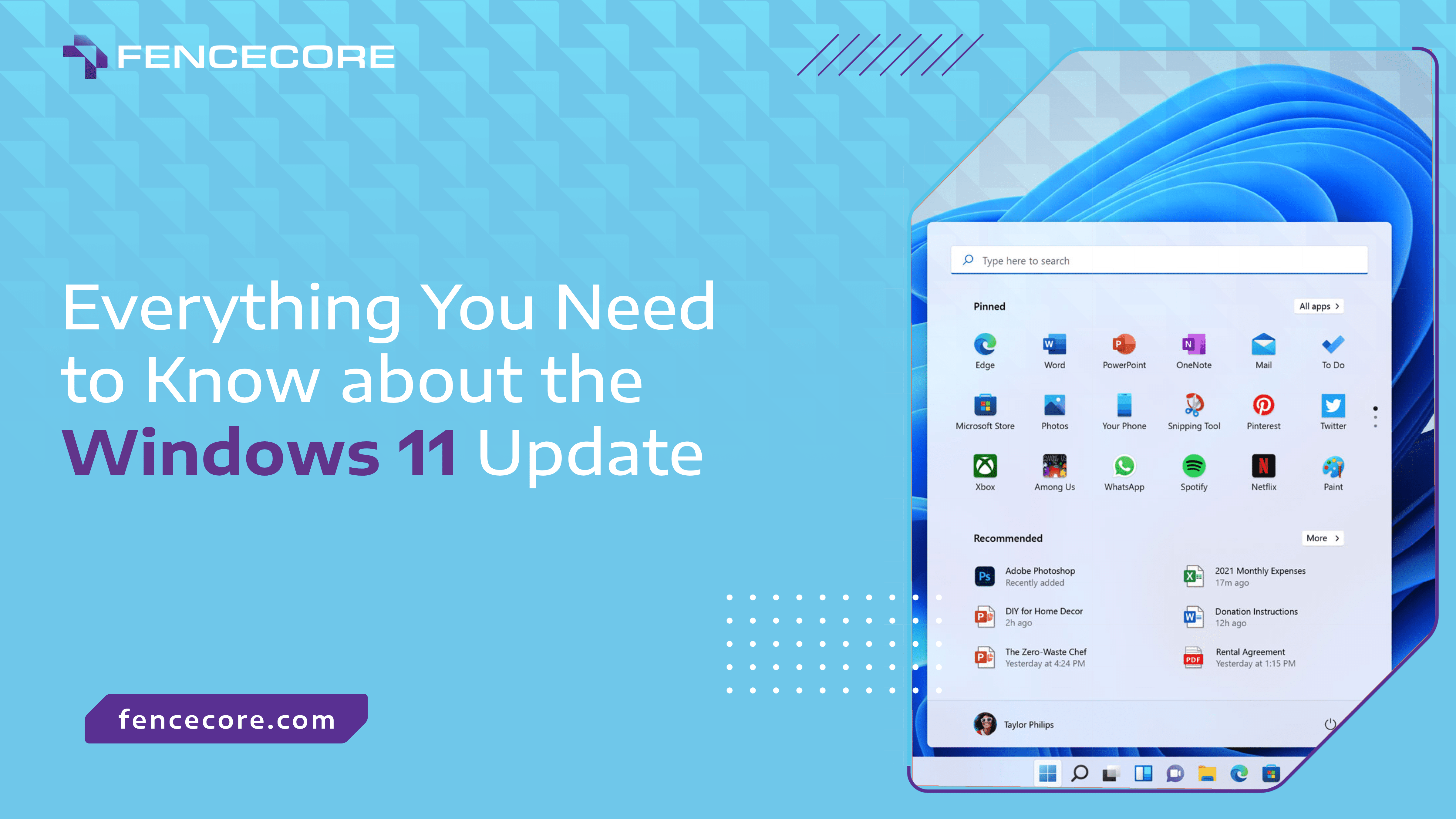
It was announced earlier this year that Microsoft is officially promoting Windows 11 to its main operating system and is retiring Windows 10 Home and Pro in October 2025, with version 22H22 being the final version.
This big question everyone is asking: just what does that mean for business?
The Windows 10 legacy
With over 1.4 billion active devices (a staggering 72% of the market!) Windows 10 is the world’s most widely used operating system. It powers everything from personal/family computers to professional gaming rigs to Fortune 500 enterprises.
With that level of dominance in the technology world, an operating system update of that scale will impact just about every computer you or your company is using.
Still functional… but no longer secure
What does “end of support” entail?
After October 14, 2025, all computers still using Windows 10 will keep working. You can rest assured that your company won’t experience any ‘blue screens of death’ or desktops that refuse to turn on. At the very core, your computers will still be functional in the sense that you can still access files or run applications.
What will change is Microsoft’s security support. Microsoft will stop releasing critical security patches that protect your systems from vulnerabilities. In the business world, having a cybersecurity risk of that magnitude will be devastating.
The long term impact
The impact of losing Microsoft’s security support won’t just be felt by your IT team or MSP. Once these products reach end of support, Microsoft will no longer provide:
- Security and non-security updates;
- Free or paid assisted support;
- Upgrades to features or improvements;
- Online technical content updates.
On top of that, end of support means:
- Compliance complications: Many regulatory frameworks explicitly require running supported operating systems. Continuing with Windows 10 could put you in violation.
- Insurance issues: Cyber insurance policies examine your security posture, including whether you’re running supported software. Insurance won’t cover ransomware if your system isn’t covered properly.
- Customer confidence: In industries where data protection matters, customers and partners may question your commitment to security.
Upgrade to Windows 11 (sooner rather than later)
Be proactive. Start planning your upgrade now. Waiting until October to act could leave your organization scrambling and you could face higher upgrading costs.
If your devices meet the requirements, upgrading to Windows 11 is the most straightforward solution. But if your hardware isn’t compatible, you might need to consider purchasing new hardware.
If that’s the case, Fencecore’s hardware and software procurement services can assist you in finding the best hardware for your needs. Fencecore maintains stellar relationships with the top hardware companies in the world and can get you the best deal possible. If you do need assistance upgrading, Fencecore’s managed IT and support team is more than equipped to help installing your new operating system!
Next Steps
Early action not only ensures security and continuity but can also be a catalyst to modernize your infrastructure.
If you’re unsure where to start, Fencecore is ready to guide your Windows transition from start to finish.
Contact sales@fencecore.com today to schedule a Windows 11 assessment.
_____________________________
Follow Fencecore on LinkedIn | Follow Fencecore on Facebook


Talk to our team
Whether you’re looking to strengthen security, modernize your infrastructure, explore AI, or simply get more from your existing technology, we’re here to help. Tell us what you’re working on and a FENCECORE expert will be in touch.